Shopping Cart









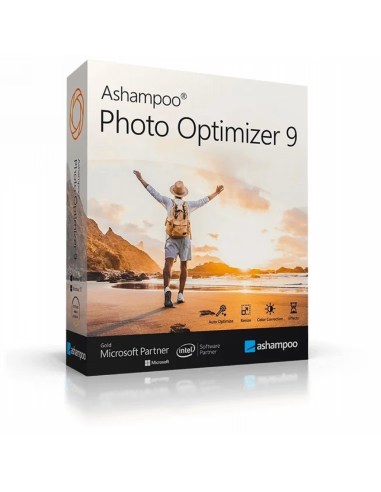
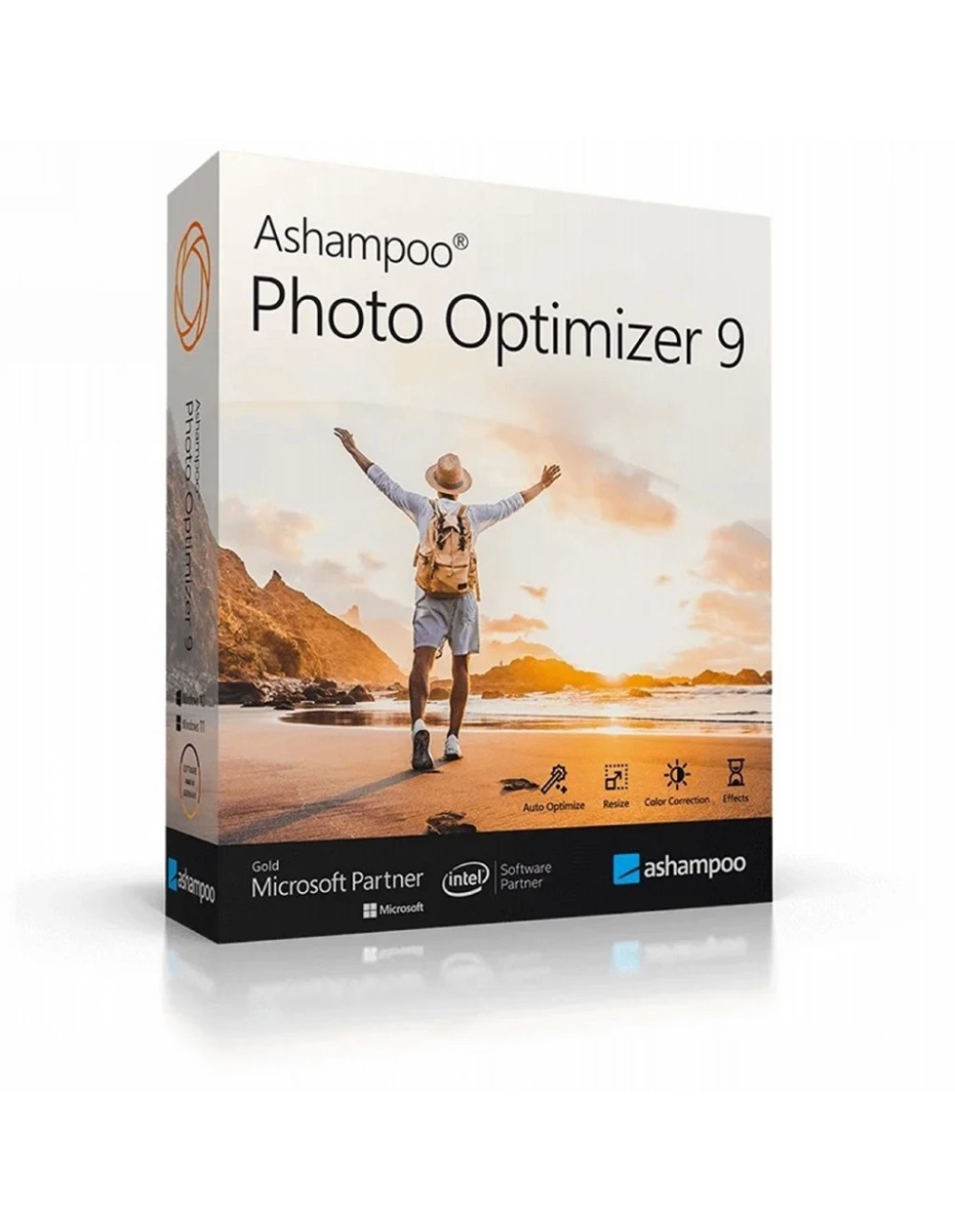
Ashampoo Photo Optimizer 9 1 Pc 1 Lifetime Key
Last items in stock
€4.90
Tax included
1 PC 1 License Online Activation Italian Invoice
No reward points for this product.
Our privacy policy
Our Privacy Policy explains our principles when it comes to the collection, processing, and storage of your information. This policy specifically explains how we employ cookies, as well as the options you have to control them.
-
1 What are cookies?
Cookies are small pieces of data, stored in text files that are stored on your computer or other device when websites are loaded in a browser. They are widely used to "remember" you and your preferences, either for a single visit or for multiple repeat visits
-
2 How we use cookies
We use cookies for a number of different purposes. Some cookies are necessary for technical reasons; some enable a personalized experience for both visitors and registered users; and some allow the display of advertising from selected third party networks.
-
3 Controlling Cookies
Visitors may wish to restrict the use of cookies or completely prevent them from being set. If you disable cookies, please be aware that some of the features of our service may not function correctly
-
4 Information We Collect
We only collect information about you if we have a reason to do so-for example, to provide our services, to communicate with you, or to make our services better.
We are committed to maintaining the trust and confidence of our website visitors. We do not collect, sell, rent or trade email lists or any data with other companies and businesses. Have a look at our Privacy Policy page to read detail information on when and why we collect your personal information, how we use it, the limited conditions under which we may disclose it to others and how we keep it secure.
We may change Cookies and Privacy policy from time to time. This policy is effective from 24th May 2018.
Ashampoo Photo Optimizer 9 1 PC 1 Lifetime License
Enhance and optimize your photos with just one click!
Photos are irreplaceable memories that capture our special moments.
But they don't always turn out well, or they could just look better.
Get the most out of your photos with just one click.
Get brilliant results effortlessly, only with Ashampoo Photo Optimizer 9!
Brilliant perspective correction for natural lines
Significantly improved automatic image optimization
Quick access to your favorite functions under Favorites
Manually change the color temperature
Adjust gradation curves
Improved memory management for faster and more stable performance 64Bit version
Ashampoo Photo Optimizer 9 combines creativity and professionalism
Whether they're holiday memories, wedding photos, panoramas, or portraits, Ashampoo Photo Optimizer 9 transforms them into the right format.
In the easy-to-use software menu, you'll find settings to straighten crooked horizon lines,
correct perspective distortions, smooth skin blemishes, and remove red eyes.
This way,
you can turn a good subject into a brilliant photo. If you want to create moods or convey dynamics with your photos,
use effects and filters that can, among other things, change the color temperature and exposure or give your image the character of an oil painting.
From rough cutting to fine-tuning with Ashampoo Photo Optimizer 9
Crop out image areas and rotate your images in any direction with Ashampoo Photo Optimizer 9.
Increase or decrease contrast and brightness. Draw backgrounds for aesthetic purposes by blurring, for example with bokeh blurs.
Also, make sure no one uses your work without your permission and add a watermark.
Some features of Ashampoo Photo Optimizer 9
Enhance images for weddings and any celebration!
Straighten the horizons of crooked images, correct perspective, or add numerous effects to your photos.
Even small imperfections such as red eyes, blemishes, or skin blemishes can be easily removed.
Save time and nerves and get brilliant results in no time!
Select the image - Click - Done!
The Photo Optimizer 9 interface is self-explanatory. Every function is easy to find,
is clearly divided into categories and is no more than two clicks away.
While with other image editing programs you have to search for the guide first, here you already have the finished result!
Important standards and creative freedom
Of course, Ashampoo Photo Optimizer 9 has the "standards" such as cropping, rotation, watermarking and blurring.
But what about artificial aging, artistic filters or numerous frames? If you want to save photos,
get the last 5% of quality or just have fun, you've come to the right place!
Save your holiday photos
Thanks to a careful analysis, weak points in the photo are identified and eliminated immediately.
The specially developed algorithm allows you to fully automatically adjust the colors,
contrasts, and exposure of individual photos or entire photo collections. This turns even the weakest shots into brilliant images!
A question of perspective!
When you take a photo of a building, you usually stand in front of it from below, which you can clearly see later! The lines "fall off,"
the image appears to tilt, and the motif loses its appeal. Or you notice, while looking at the photos,
that you were slightly tilted in front of it and immediately want to rearrange the photo. With the new perspective correction, this is no longer a problem! Easily correct horizontal or vertical distortions with just a few clicks! Give your photos a second chance and simply adjust the perspective until your subject is positioned the way you want. Favorites for convenient use Everyone has their favorite functions that they use most often. To avoid having to navigate through the program to find them, you can conveniently save functions as Favorites. This way, you have all the functions "at your fingertips." And you can easily carry out work processes from a menu.
For example, you can quickly straighten the horizon, correct the perspective, or crop the image after automatic optimization.
Ingeniously simple, isn't it?
Automatically optimizes images like no other program.
The secret of the new Photo Optimizer lies in its unique image optimization.
It does this by analyzing each image in detail to find any weak points and areas for improvement.
What you've hastily taken with your phone can be visually saved! Pale colors,
wrong exposure, or missing contrast: the Photo Optimizer algorithm finds all the weak points! After analysis,
the optimizer restores your images: bright, vibrant, and exactly as a good photo should be.
To this end, thousands of variations have been tested to achieve brilliant results with the highest success rate.
And after 2 years of programming and testing, Ashampoo Photo Optimizer has reached a whole new level!
Ashampoo Photo Optimizer 9 system requirements
The 64-bit version of the following operating systems is required:
Windows® 11, Windows® 10
- Tipo Di Prodotto
- Software grafico
- Garanzia
- Produttore
- Lingua
- Multilingue
- Piattaforma
- Windows 7 a Windows 11 Pro
- Anno di produzione
- Anno di Introduzione 2016
- Produttore
- Ashampoo
- Formato
- Licenza ESD Digitale
- 1 Licenza Digitale Esd
- 1 Pc Permanente
- Unità
- Pezzi
- Sistema Operativo Compatibile
- Windows 10 11
- Modello di prodotto
- Ashampoo Photo Optimizer
- Paese di produzione
- Germania

2777
2 Items
New
0731875773026
2777-27900-E
No reviews
Comments (0)
No customer reviews for the moment.
Tap to zoom